.png)
 1 week ago
38
1 week ago
38
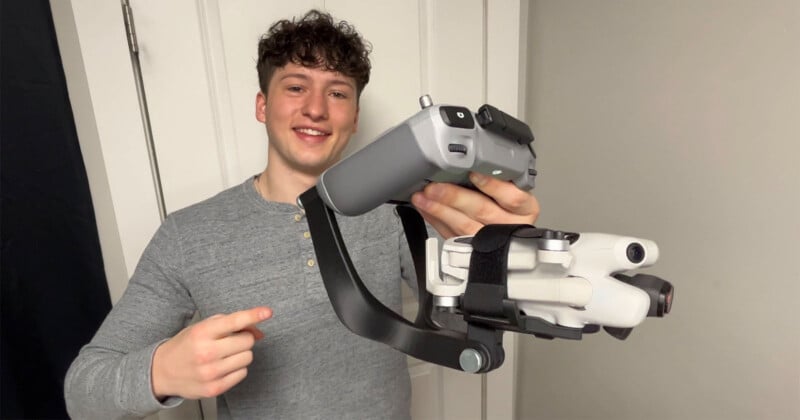
Alongside being an aerospace engineering student, Tyler Staub and his brother, Calvin, also started a drone service company to capture aerial media for local businesses. Now you can add “inventor” to Tyler’s list of accomplishments, as he has built a new adapter, the aptly named Dronebal, to turn a DJI Mini 4 Pro drone into an easy-to-use, high-quality handheld camera.
“The idea for the adapter came directly from being in the field. There were many times I wanted to get close-up ground shots but couldn’t fly due to FAA safety regulations, or I simply didn’t want to waste time switching to a separate camera rig for a few ground shots. It was also just a lot of gear to haul around as a one-person crew,” Staub tells PetaPixel.
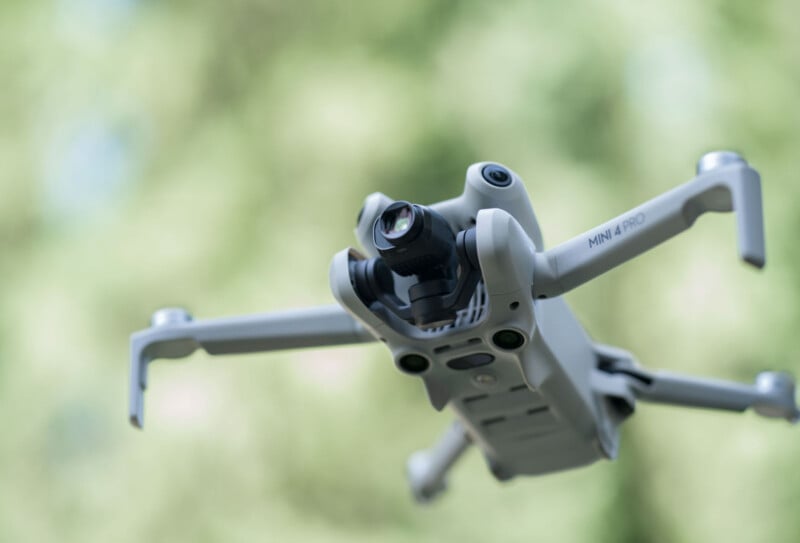 DJI Mini 4 Pro | Credit: DJI
“I realized the Mini 4 Pro already had the stabilization and camera specs I needed for high-quality ground content. I just needed a way to bridge it all together.”
For many burgeoning content creators and filmmakers, budgets are tight, so buying multiple cameras to handle different types of shots can be prohibitively expensive. A drone like the DJI Mini 4 Pro can do things a traditional camera cannot, namely, fly, but it also has pretty impressive camera specs in and of itself. The sub-250g drone has a 48-megapixel Type 1/1.3 CMOS image sensor with a built-in 24mm equivalent f/1.4 lens. It records up to 48-megapixel RAW DNG photos and captures 4Kp100 footage with support for 10-bit D-Log M and HLG color.
If creators could have their drone serve double-duty, all the better. The drone is certainly up to the task of recording good-quality video from the ground.
“The goal was to lower the barrier to filmmaking by providing a cheaper, more convenient alternative to buying a separate handheld camera rig for existing Mini 4 Pro owners. As well as create a more enticing alternative to people wanting to get into filmmaking but don’t have or want to spend the money on a nice camera system and drone,” Staub explains. “By creating this product you could now essentially have an all in one content creating tool, reducing the need for a separate hand held filming device while also reducing the amount of gear you need to carry around.”
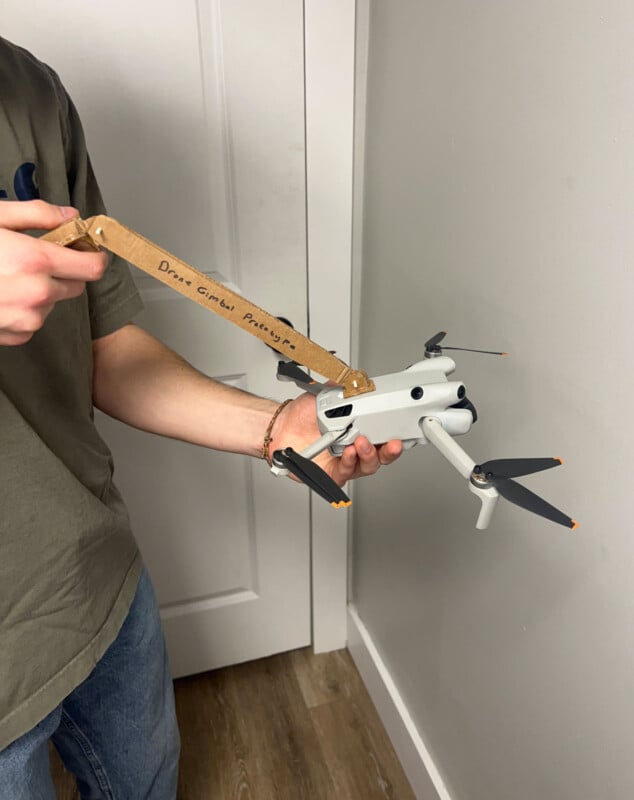 The leash concept didn’t last too long
Staub says he spent his free time this past semester figuring out how best to utilize the Mini 4 Pro’s existing features. He started with cardboard prototypes to keep the design process fast and fluid. His first idea was actually a “flying leash of sorts,” where the user would still use the drone airborne but hold it in place and direct it using a mechanical arm.
“That failed miserably because the drone’s intelligent flight features fought the external input,” Staub says.
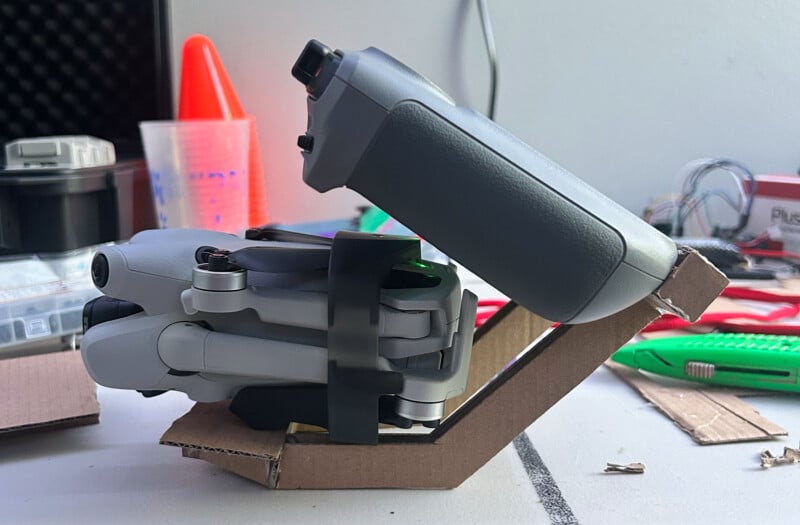 An early cardboard prototype
He then pivoted to a mounting system that connected the drone’s controller directly to the mount.
“This felt much more natural. I took the cardboard design into SOLIDWORKS and created about 10 different versions for both the tray and connecting arm. Each version I improved the functionality, strength, and comfortability. Prioritizing the user’s experience, the most challenging part was positioning the controller and center of gravity at the right spot to make it comfortable on the wrists,” Staub continues.
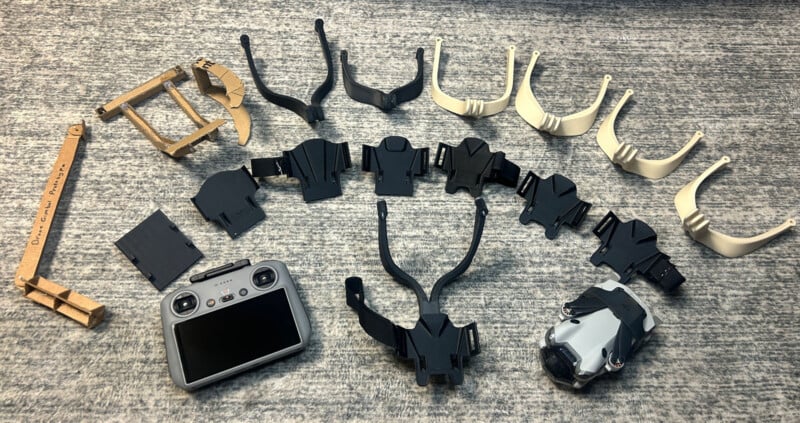 A variety of 3D-printed Dronebal prototypes
The final creation is a clever two-part system. It has a tray that secures the drone using a Velcro strap and an arm that screws into the back of the drone’s controller. These parts are joined by a variable joint that lets the user adjust the controller angle while keeping the drone entirely level.
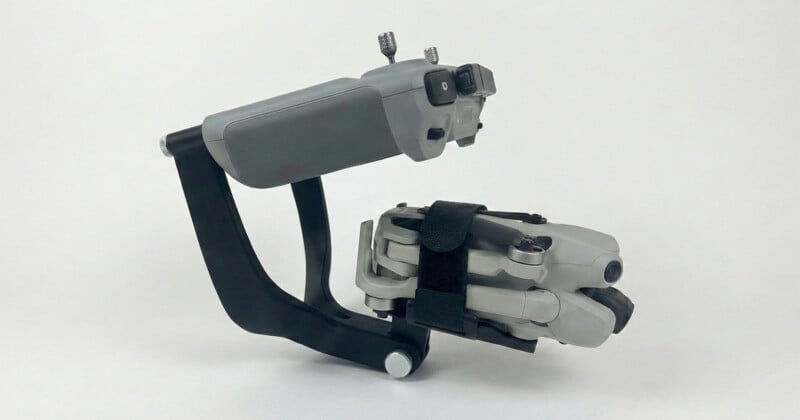
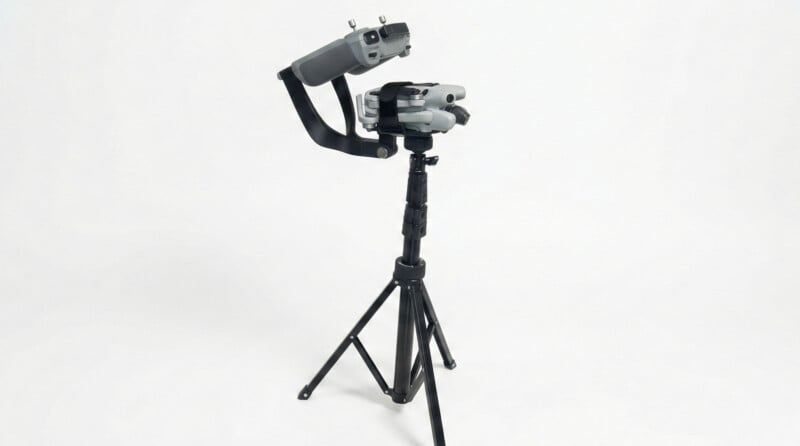
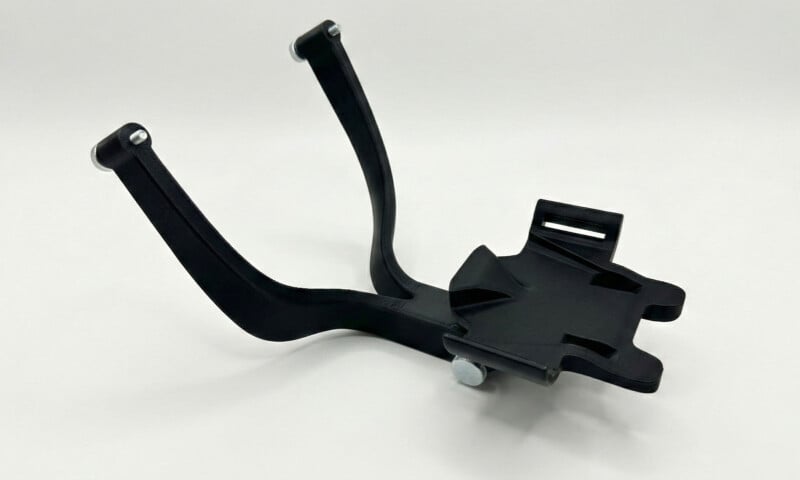
“This lets you get dynamic shots, like holding the rig high for an elevated view or low for a drop shot, while using the controller’s scroll wheel to manually pitch the camera,” Staub says. “It essentially unlocks the full utility of the hardware by utilizing the drone’s 3-axis gimbal and the controller’s high-definition display.”
As of now, it’s still a small operation, and Tyler is starting with a limited 30-unit batch. So far, the response has been encouraging.
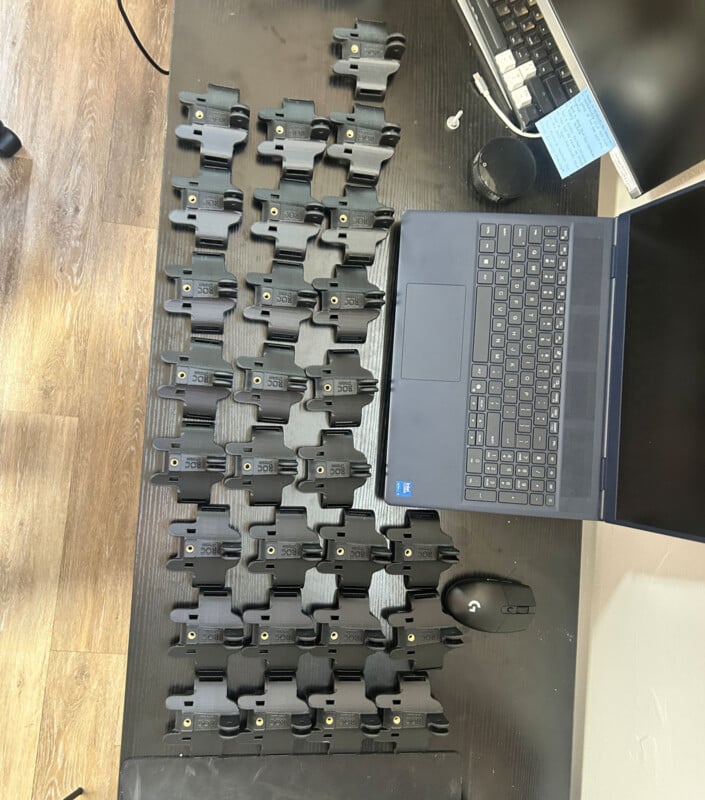
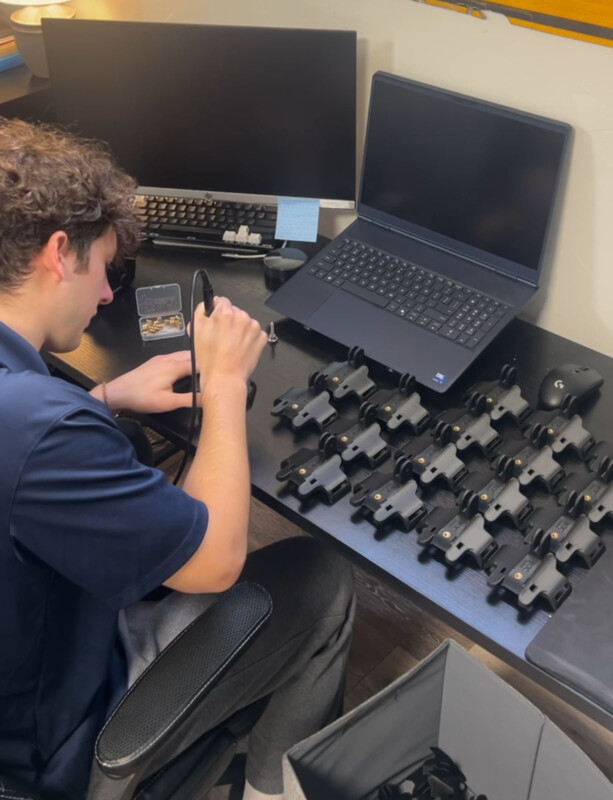
The Dronebal for the DJI Mini 4 Pro is available now for $30 directly from ROC Shop.
Image credits: Tyler Staub, ROC Shop





 English (US) ·