.png)
 1 week ago
35
1 week ago
35
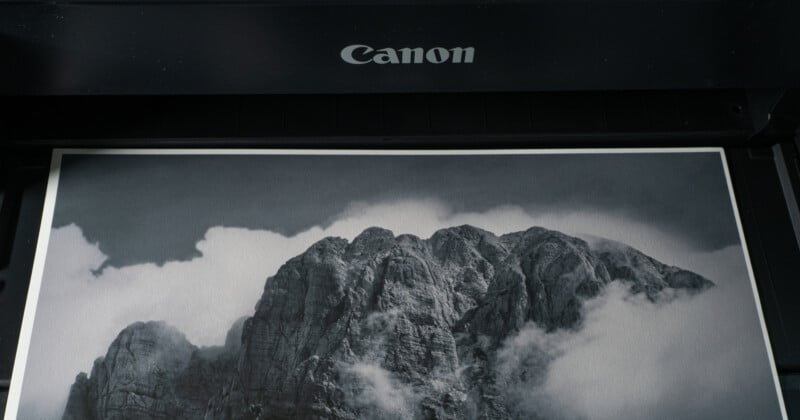
Do you print your photos? If not, it’s something you should consider because it is much more rewarding than just posting pictures online.
Like almost everything in photography, printing photographs is both an art and a science. Achieving professional-quality prints requires understanding the interplay between what you see on the screen, the printer and its ink, and the paper. Some of what you do is technical, while others are subjective decisions.
This first of three articles looks at the printer and the ink. The second will cover the paper, and the third color management.
My Deep Dive into Printing
Printing photos is inspiring. A while ago, I wanted to expand my knowledge. My interest in printing had grown, although I had never found the time to do it properly. However, as a photographer, I always felt that my process was incomplete without it. The more I researched the topic, the more I found that I wanted to create prints. Therefore, when the opportunity arose for me to explore it more deeply, I leapt at it.
I knew from reading and discussions with other photographers that there was so much more to printing than pressing the print button.
So, a few months ago, I borrowed a good-quality printer. I quickly discovered that my interest in the process was exceeded by my love of getting hands-on with the printer and the prints. Subsequently, I found that a lot more knowledge was needed to do it well. I made more than a few mistakes along the way, but that’s how you learn. I am a great believer in doing a job properly, and half the fun of photography is learning new things. So, I nose-dived into learning everything I could. I also bought a professional-grade printer.
 The Printer I bought.
Printers
If you want to dabble in printing, you can get perfectly acceptable quality prints from much cheaper machines than the one I bought. However, with every advantage comes a disadvantage; cheaper printers are restricted by the print size and the thickness of paper they can handle.
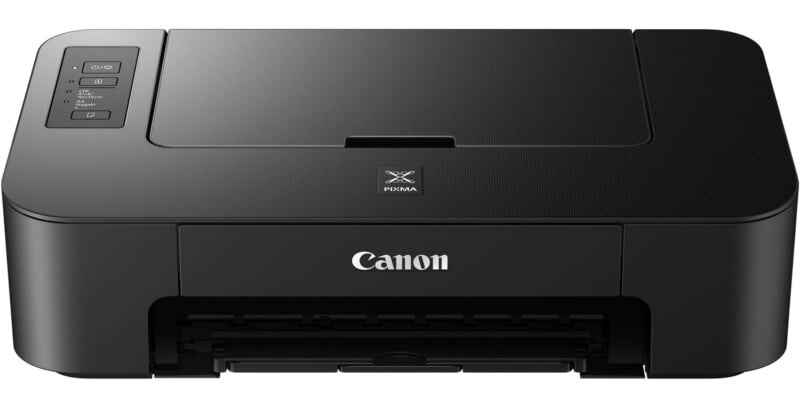 This entry-level printer costs under $40 and delivers reasonable results.
About 20 years ago, I owned a basic printer. With its five inks, this entry-level device produced okay results despite my not following any of the advice in this or the following article. You can pick up machines for around $100 that will make perfectly adequate results. However, as is common in our art, spending much more money can yield relatively minor improvements in quality. But those small differences make a lot of difference for those who want the very best results.
This time, I bought a Canon imagePROGRAF PRO-1100 professional model. It takes 12 ink cartridges and prints on A2 paper at a very high quality. Can I see the difference between the images I printed years ago and those I print now? Most definitely.
Choosing a Printer
For photographs, you need an inkjet printer. If you also print small volumes of text, these will work for you, too.
You don’t need to spend in the region of $1000 like I did. You can still get perfectly acceptable quality prints from much cheaper machines. However, with every advantage comes a disadvantage. Generally, more affordable printers are restricted by the size and thickness of paper they can handle.
There are four major printer brands, two of which dominate the professional market. Canon makes the professional-grade models like the slightly unnecessarily long-named imagePROGRAF PRO series. They also have entry-level and enthusiast models, such as the Pixma series. Epson makes the professional-grade SureColor P and the EcoTank Photo models, the latter of which feature refillable ink tanks. Meanwhile, their enthusiasts’ Expression Photo Series is aimed at home use.
HP is best known for its compact and portable printers, as well as its budget-friendly all-in-one scanner/printers, which are great for casual printing. Kodak specializes in instant and mobile printers.
For office use, Brother also makes some very capable printers.
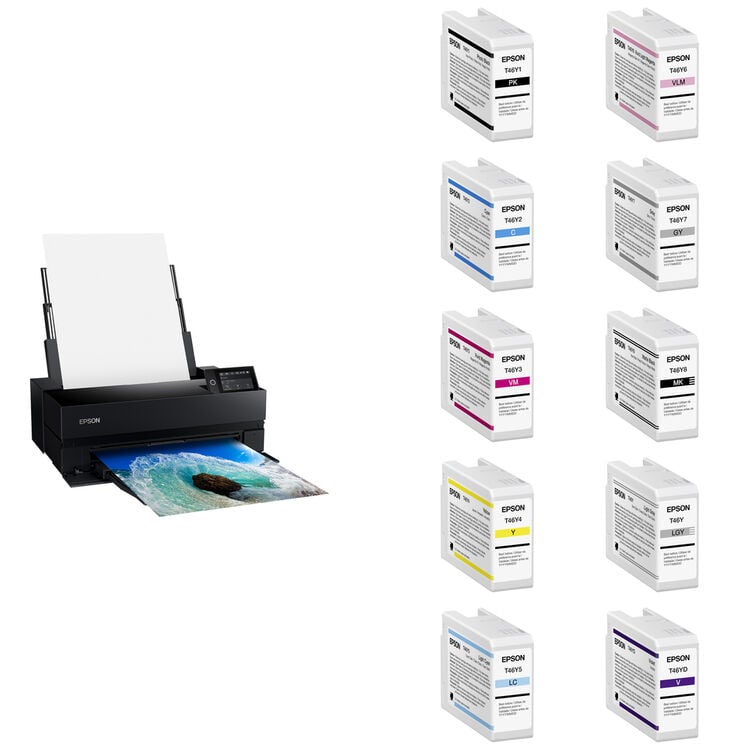 AN Epson SureColor P900 17″ Photo Printer Kit with Full Set of Ink will cost over $1600. There are running costs too.
Printers Need to be Used
Before you get into printing, there is something you should be aware of. Printers need to be used.
With my old model, I didn’t print enough, and the printer head became clogged because it had been standing unused for too long. Even the deep cleaning routine would not clear it. Back then, the heads for that printer were expensive.
So, with nothing to lose, I did something that is not in any maintenance manual. You certainly should never put electronics in water; nevertheless, I removed the printer head, ran clean, cold water over it to wash the dry ink away, dried it quickly and thoroughly with a hair dryer, and put it back in the printer. It worked, and I got away with doing it a dozen times. I just want to point out that no printer manufacturer recommends this, and I accept no responsibility for any damage caused if you try it. Furthermore, replacement heads are much cheaper today than they once were.
The same applies to more expensive printers, about using them regularly. It routinely carries out a cleaning process that uses ink. So, the more prints one does between cleans, the better the value of each print.
Therefore, if you are determined to print, be prepared to buy paper and ink.
Also, it came as a surprise to me when the printer was first installed that a lot of the ink gets swallowed by the printer’s internal pipework.
Inks
OEM vs Third-Party Inks
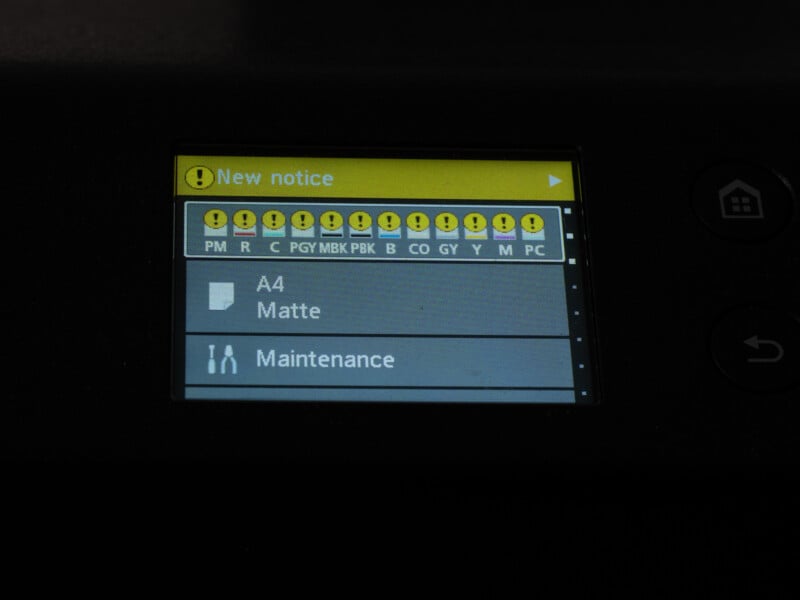
I bought a professional printer. It takes 12 ink cartridges and prints up to A2 paper at very high quality. Printer inks are expensive; the complete set of 80ml cartridges for my machine costs around $740. It’s generally accepted that printer costs are reduced so manufacturers can recoup their costs on ink sales.
There are cheaper third-party inks available. Some of these are good quality, while others are not. Using such an ink can save you money in the short term. However, there are potential drawbacks often stated about non-OEM ink.
Wanting to find out whether the historical issues with ink were still true, I decided to speak with someone with expertise in that area who had no axe to grind. So, I asked the manufacturer of the high-quality paper I use: Fotospeed. They don’t sell inks, and it is in their interest to give good advice so that we photographers can get the very best results possible from their outstanding range of papers.
“For hassle-free peace of mind, the simplest option is always to use the manufacturer’s branded ink. Whilst there are some [good] quality third-party inks out there, you should always approach them with caution, understand where the ink is made and the quality of all the components involved: ink, cartridges, and chips. It can be a false economy buying cheap, as you often end up having to buy twice.”
Issues from third-party inks can include inconsistent batches, fading over time, and a lack of available profiles to color-match the ink to the paper, so what you see on your screen is a long way from what you get on paper. Also, if something goes wrong, your printer’s warranty may be invalid.
I decided to stick with the manufacturer’s ink.
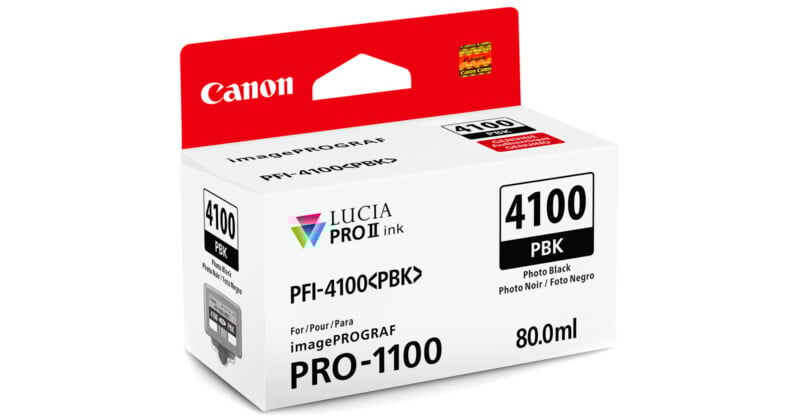 A single large ink tank will cost around $65. But if you are producing multiple prints, that will save you in the long term.
Ink Types
There are two main types of ink used in inkjet printers: dye-based and pigment-based. Each has distinct characteristics, making them suitable for different printing needs.
Dye-based ink has colourants dissolved in a solvent (usually water), so the ink penetrates the paper fibers. They produce vivid, saturated colors with smooth gradients, making them ideal for photo printing and glossy papers, especially for high-resolution images. They are more affordable than pigment-based inks but are less durable. They are also more prone to fading over time, especially under UV light. They are also water-sensitive and can smudge if exposed to moisture. They are ideal for everyday photo printing, colorful graphics, and short-term projects.
Meanwhile, pigment-based inks have tiny particles suspended in a liquid, usually water mixed with glycol, with surfactants and humectants added to reduce surface tension. However, organic solvents such as alcohols, ketones, hydrocarbons, and aromatic solvents are also used. Pigment-based inks produce sharper, longer-lasting prints, though colors may be slightly less vibrant than those from ink dyes.
Printer Maintenance
Keeping the printer dust-free and the nozzles clean is important. The Canon Pro-1100 has an automatic routine for doing that, although it does use ink. The frequency of cleaning can be adjusted in the settings.
Coming Soon
In my second article, I’ll be looking more closely at your choice of paper.







 English (US) ·